
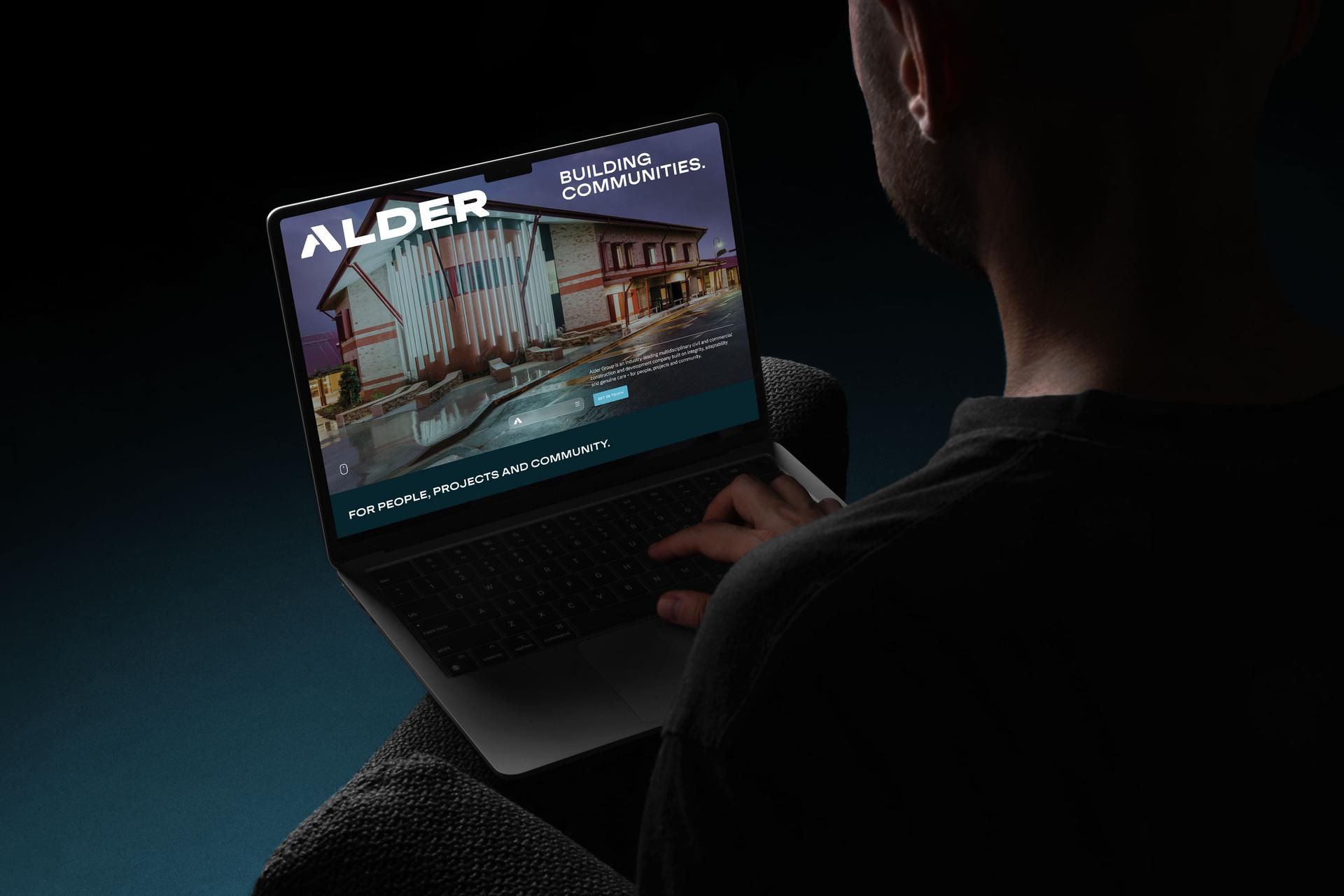






UX tips and tricks to help you increase website conversion

Your website is your hardest working employee. It’s on the clock 24/7, 365 days a year. You can’t beat that kind of dedication.
And you should be capitalising on it. UX (user experience) is key to this. Happy users become happy shoppers. Check out these UX tips and tricks that will help you increase your website conversion rate.
Contents
- 1. Invest in UX design
- 2. Review your messaging
- 3. Have CTAs on every page
- 4. Focus your attention above the fold
- 5. Use subheadings
- The 5 UX tips at a glance
- FAQs
1. Invest in UX design
We probably don’t need to spell this out for you but… you can’t get UX to work in your favour if you don’t focus on it in the first place. According to a study conducted in 2016, for every $1 invested in UX design, a company can expect a $100 ROI. Putting the user and UX design at the forefront of your approach will increase website conversion rate, customer engagement and customer retention.
The mistake a lot of businesses make is treating UX as something you sprinkle on at the end, once the site is “basically done”. It doesn’t work that way. Good UX is baked in from the start, in how you structure your pages, how easy things are to find, and how little friction there is between a visitor landing and taking action. Every confusing menu, slow page or hard-to-find button is quietly costing you conversions. For a deeper dive, our complete guide to website design covers the foundations.
2. Review your messaging
Is what you do and who you are clear from your website content? Is your contact info, pricing, shipping and tech support (where applicable) visible and easily accessible? If these elements aren’t easy to find, or if your copy isn’t clear, it’s irritating to users. If they don’t find what they’re looking for easily, they’ll just leave. And this will obviously affect your website conversion rate. According to a B2B usability report, the vast majority of buyers want to be able to access your products and services straight from your homepage. So, make sure you take this into account too.
Clarity beats cleverness every time. A visitor should understand what you do, who it’s for and what to do next within a few seconds of landing. If your homepage makes people work to figure out the basics, you’ve already lost a chunk of them. This is as much a brand messaging job as a design one, the words have to be as clear as the layout.
3. Have CTAs on every page
A CTA (call to action) can be as simple as a “buy now” or “learn more” button at the end of a block of text. You can also entice people to join your mailing list by giving them something for free. Having a CTA on each page (and even in multiple places on each page) increases your website conversion rate because you’re making it easy for people to take the next step.
Never assume a visitor knows what to do next, tell them. Every page should answer the question “what now?” with one clear, obvious action. The trick is to guide without overwhelming: one primary action per page, repeated where it makes sense, rather than a clutter of competing buttons. Clear, prominent calls to action are one of the simplest, highest-impact ways to turn browsers into buyers.
4. Focus your attention above the fold
Studies have found that the large majority of users’ viewing time is spent above the fold. “Above the fold” is the term used to describe the section of the screen that’s visible when a user first lands on your page. In other words, most people who visit your website will not scroll down any further than what loads initially. Research also suggests the bulk of viewing time focuses on the first couple of screenfuls. This makes what you put above the fold, and in those first screenfuls, super important. So focus your attention here to increase website conversion.
Your most valuable screen real estate is the bit that loads first, so don’t waste it on a giant logo or a vague “welcome” message. Lead with what you do, who it’s for and a clear call to action. If you only get one shot to convince someone they’re in the right place (and often you do), this is it. Our guide to creating the perfect homepage goes deep on getting this section right.
5. Use subheadings
A high percentage of people will scan a webpage looking for key words and sentences. Subheadings will help to highlight key information for those who don’t read things word by word. Be sure to include your keywords in your subheadings too, which will have the added bonus of increasing your website’s SEO ranking as well.
Almost nobody reads a webpage top to bottom. They scan, in an F-shaped pattern, hunting for the bits that matter to them. Clear, descriptive subheadings let scanners navigate your page at a glance and find what they need without effort, which keeps them on the page and moving towards a conversion. As a bonus, keyword-rich subheadings give search engines a clearer picture of your content, so you get a UX win and an SEO win at the same time.
The 5 UX tips at a glance
The whole article in one quick reference:
| UX tip | Why it matters | Quick action |
|---|---|---|
| Invest in UX design | Good UX lifts conversion, engagement and retention. | Put the user first from the start, not as an afterthought. |
| Review your messaging | Unclear copy and hidden info make people leave. | Make what you do, your pricing and your contact details obvious. |
| CTAs on every page | People need to be told the next step to take. | Add one clear call to action per page (repeated where it fits). |
| Win above the fold | Most viewing time is spent on what loads first. | Put your key message and main CTA at the very top. |
| Use subheadings | People scan, they don’t read word for word. | Use clear, keyword-rich subheadings to guide scanners and help SEO. |
Small UX improvements compound into real conversion gains over time. If you’d like an outside read on how your website and brand are working together, a free brand audit is a good place to start.
Leave your mark.
FAQs
What is UX design?
UX, or user experience, design is all about how easy, intuitive and enjoyable your website is to use. It covers everything from how your pages are structured and how simple things are to find, to how little friction there is between a visitor arriving and taking action. Good UX makes a site feel effortless. Bad UX makes people give up and leave. Since happy users become happy shoppers, UX has a direct line to your conversion rate.
How does UX affect conversion rate?
Hugely. Every point of friction (a confusing menu, a slow page, a hard-to-find button, unclear copy) gives a visitor a reason to leave before they convert. Good UX removes those obstacles and gently guides people towards taking action, which lifts not just conversions but also engagement and retention. In practice, improving UX is often one of the cheapest and most effective ways to get more out of the traffic you already have.
What does “above the fold” mean?
“Above the fold” is the part of a web page that’s visible as soon as it loads, before the visitor scrolls. It’s borrowed from newspapers, where the most important story sat above the physical fold. On a website, studies have repeatedly shown that the bulk of people’s viewing time is spent up here, and many visitors never scroll much further. That makes it your most valuable space, so it should carry your clearest message and main call to action.
How many CTAs should a page have?
Aim for one primary call to action per page, repeated in a few sensible places rather than a clutter of competing buttons. Every page should make it obvious what you’d like the visitor to do next, whether that’s buy, enquire, book or join your list. The goal is to guide without overwhelming. Too many different CTAs create decision fatigue, while a single clear one makes taking the next step easy.
Why do subheadings matter for conversion?
Because almost nobody reads a web page word for word, they scan it. Clear, descriptive subheadings let those scanners find the information that matters to them at a glance, which keeps them on the page and moving towards a conversion instead of bouncing. As a bonus, including your keywords in subheadings helps search engines understand your content, so you improve both the user experience and your SEO at once.
Is investing in UX actually worth it?
For almost every business, yes. UX improvements tend to pay for themselves because they help you convert more of the visitors you’re already attracting, rather than spending more to attract new ones. Studies have long pointed to strong returns on UX investment, and while exact figures vary, the underlying logic is hard to argue with: a website that’s easier and clearer to use will out-convert one that isn’t, every time.
Ready to build a brand that drives growth?
Wherever your vision leads, we turn it into something people can see, feel and rally behind.